Creator program
Brand Kit
Our logos, the handles to tag, and the short list of rules that come with them. Everything on this page is cleared for use in a sponsored post.
Logos
Two logo versions cover the standard uses. Use black on light backgrounds and white on dark backgrounds or video. Each one previews here on the background it is for.
How to Use the Logo
- Clear space, half the logo's height on every side.
- The artwork's own edge. Do not crop inside it.
- Clear spaceKeep at least half the logo height of empty space on every side. Nothing else goes in it, including your own logo, captions and stickers.
- Minimum size44px tall on screen. Below that the logo stops reading, so use the handle in text instead.
- Use the supplied artworkDo not redraw, retype, trace, crop or recreate the logo. If you need a size or format that is not here, ask and we will export it.
Do Not Alter the Logo
Handles and Links
Copy these rather than typing them. The caption tag is the one we track for the deal.
- Tag @openmatlocator in the captionOn-screen mentions and a verbal shout are welcome, but the caption tag is what counts for the deal.
- Use the site link when a link is allowedopenmatlocator.com works everywhere, including on Android and desktop.
- Use the App Store link when you are pointing at the appThe app is iPhone only for now, so send people to the site if you are unsure.
- Do not use our name in your handle or bioNo "Open Mat Locator team", no lookalike accounts. You are a sponsored creator, not staff.
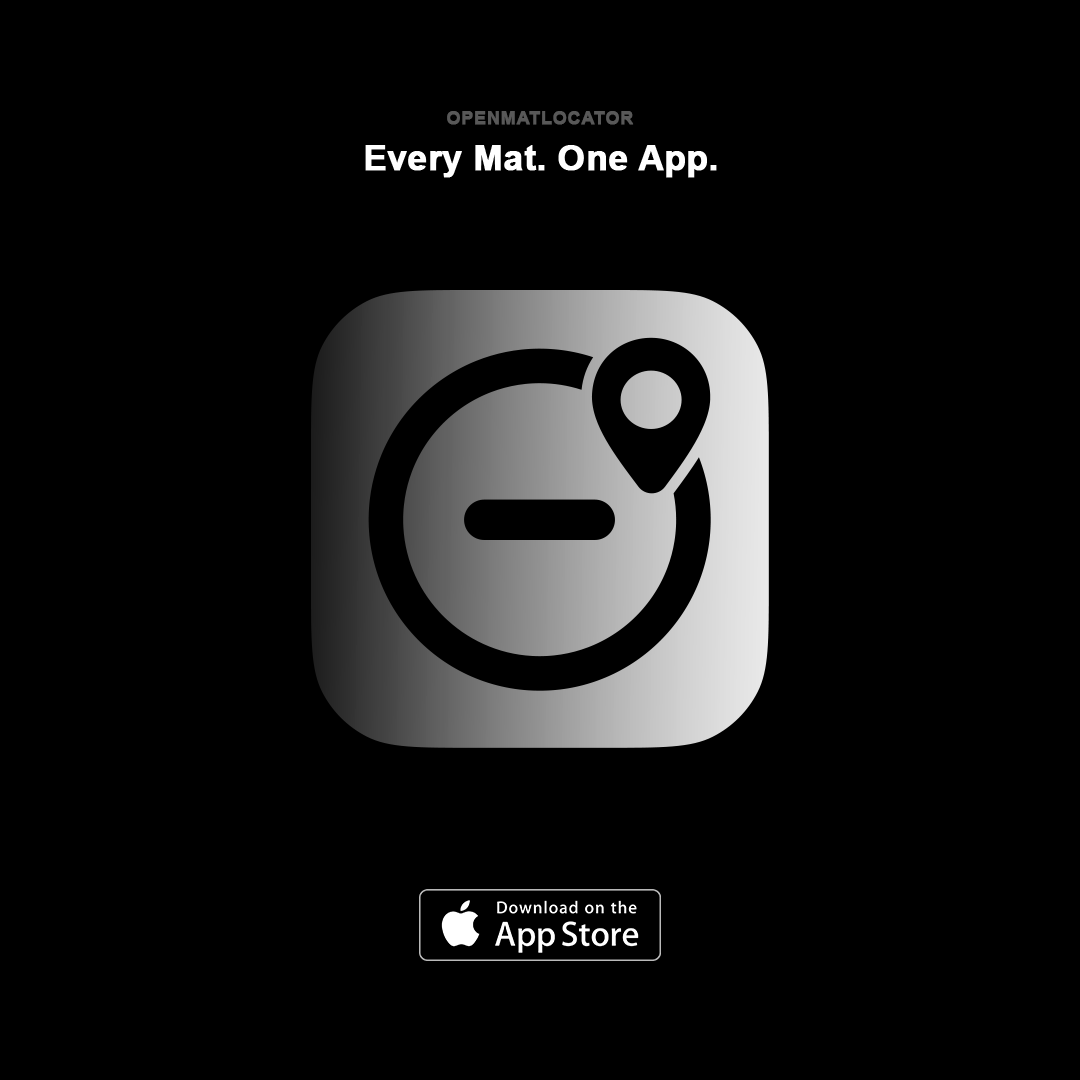
Ready-to-Use Graphics
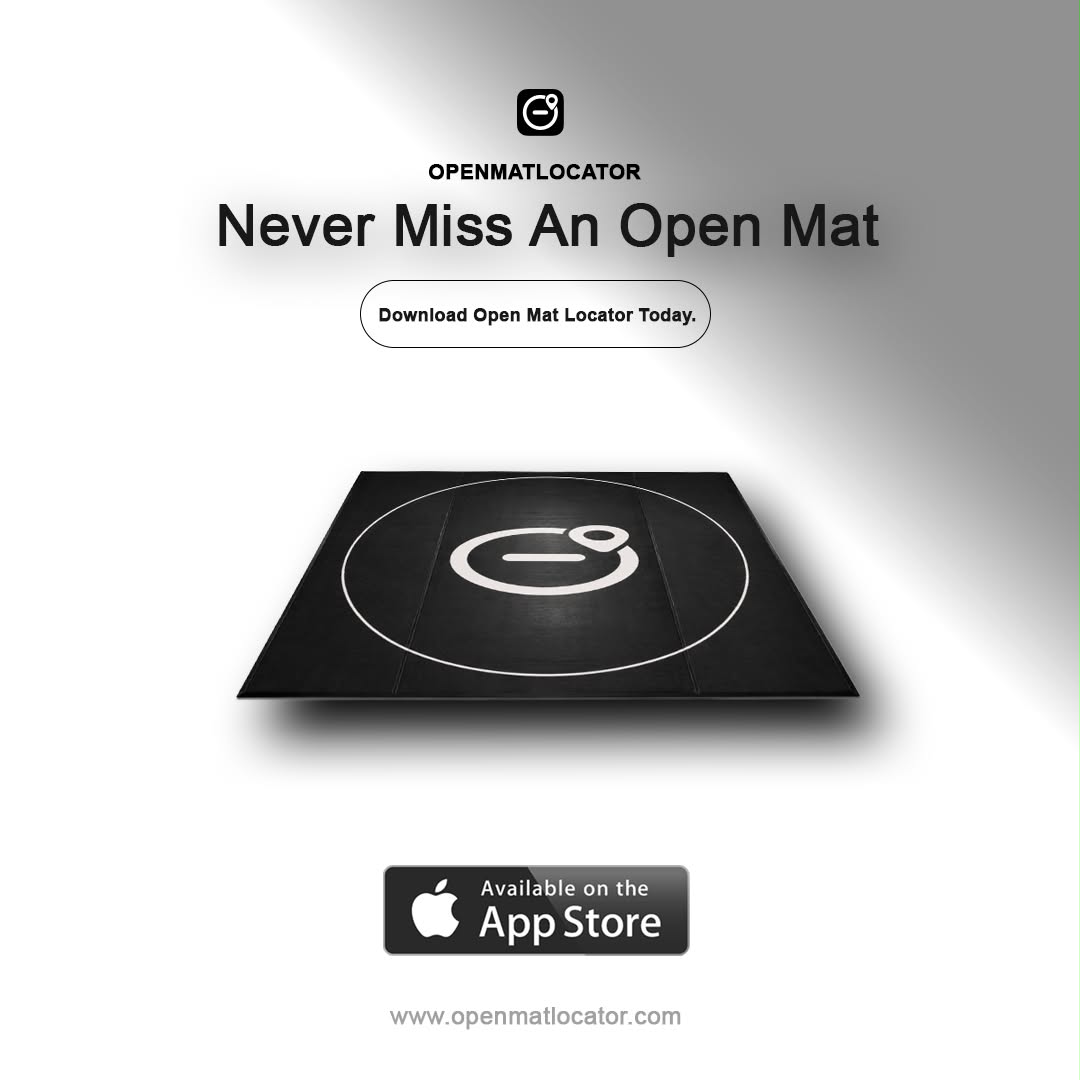
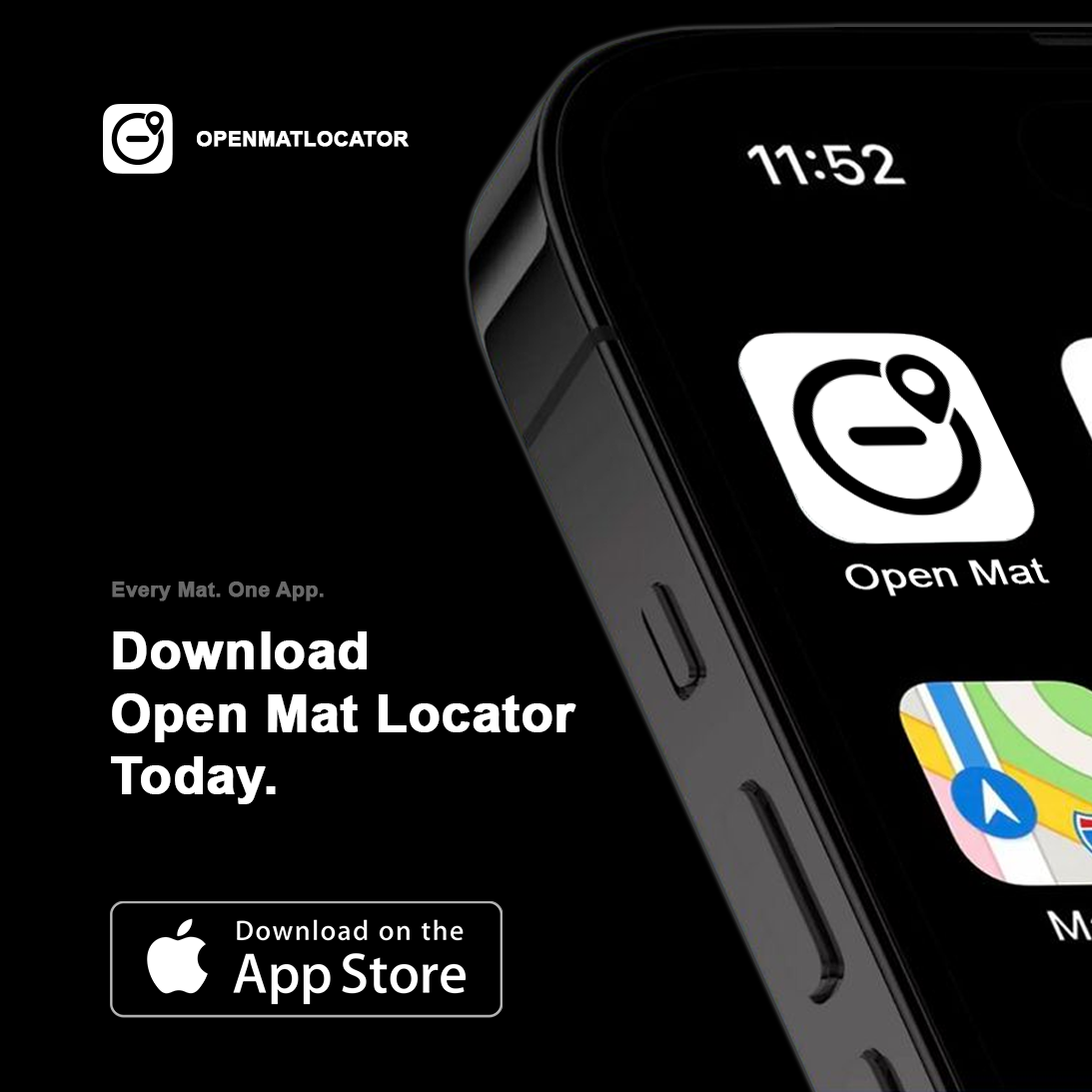
Download these and use them as provided, or include them in your own edits.
Voice
Do
- Use your own voice and your own edit. The reason we picked you is that it sounds like you.
- Show the app on your own phone, ideally at a real open mat.
- Say what you actually use it for. Specific beats polished.
Do Not
- Read a script or make it feel like a commercial.
- Invent testimonials, numbers or results.
- Attack other gyms, creators or apps.
Talking Points
Pick one and make it yours. You do not need to cover them all, and none of these is required wording.
- Find open mats near youSearch a city or use your location. Times, gi or no gi, and what the drop-in costs.
- Find places to train while travelingSame map anywhere, which is the reason most people download it.
- List your gym's open matFree for coaches and owners, and it takes a couple of minutes.
- Follow gyms and eventsGet told when a gym posts a new open mat or puts a seminar up.
Anything missing, or you need a different format? The public brand kit has the same logos, our colors and the usage terms. Still stuck, contact us and we will export it. Back to the program.